
Getting Started
The Solidarity app is the iOS and Android app where team members do most of the organizing work for your organization. While most of this work can also be completed on the dashboard, 1-1 phonebanks and 1-1 textbanks run only in the Solidarity app. Power Dialer phonebanks, Predictive Dialer phonebanks (Professional plan), and 'Anyone' textbanks also run in the browser from 'My Workflows' in the account menu.
Download the app at www.solidarity.tech/app, or from the App Store or Google Play Store.
Invite team members
To give someone the app, add them as a Team Member and invite them to join your team by email or SMS. You do not need to create a Person record first. In the 'Add team member' window, search for the person under 'Member', or click 'Invite by email' below that field.
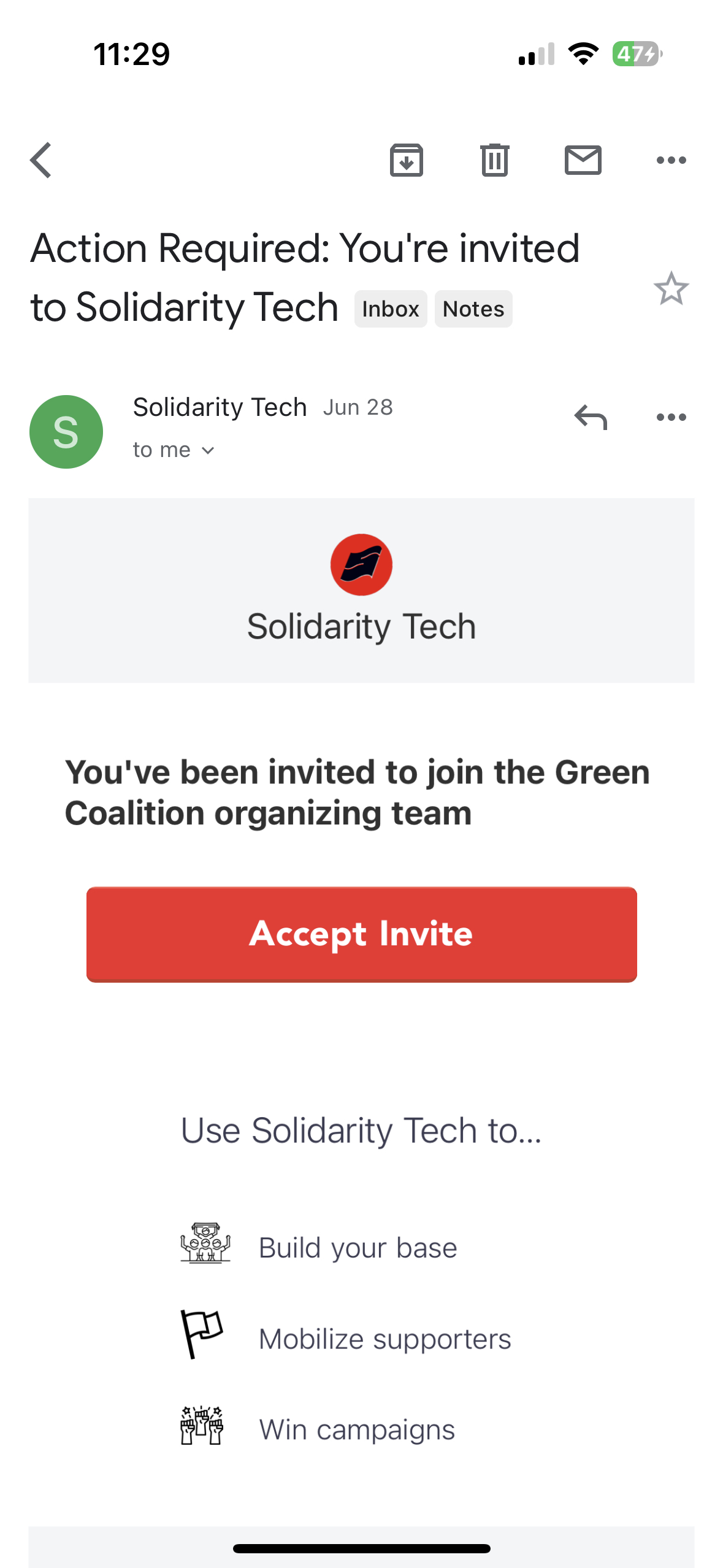
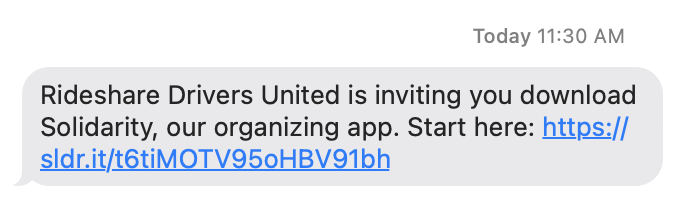
For a person with no Solidarity Account, the link opens a form for their email, phone number, full name, and a new password. They log in to the app and the dashboard with this email and password. Team members who sign up from a phone go to the app download when their role can use the Solidarity app. Once logged in, iOS Team Members should allow push notifications so that the app works properly.
Settings & Notifications
Tap the cog icon at the top right of the "Workflows" tab to open "Settings". From this screen, you can switch your Scope or your Organization, manage notifications, and log out. The "APP" section has "Language" and "Appearance". Account details (email, phone, and name) are read only in the app. To change your name or email, open "My Account" in the dashboard and go to the "Solidarity Tech" tab.
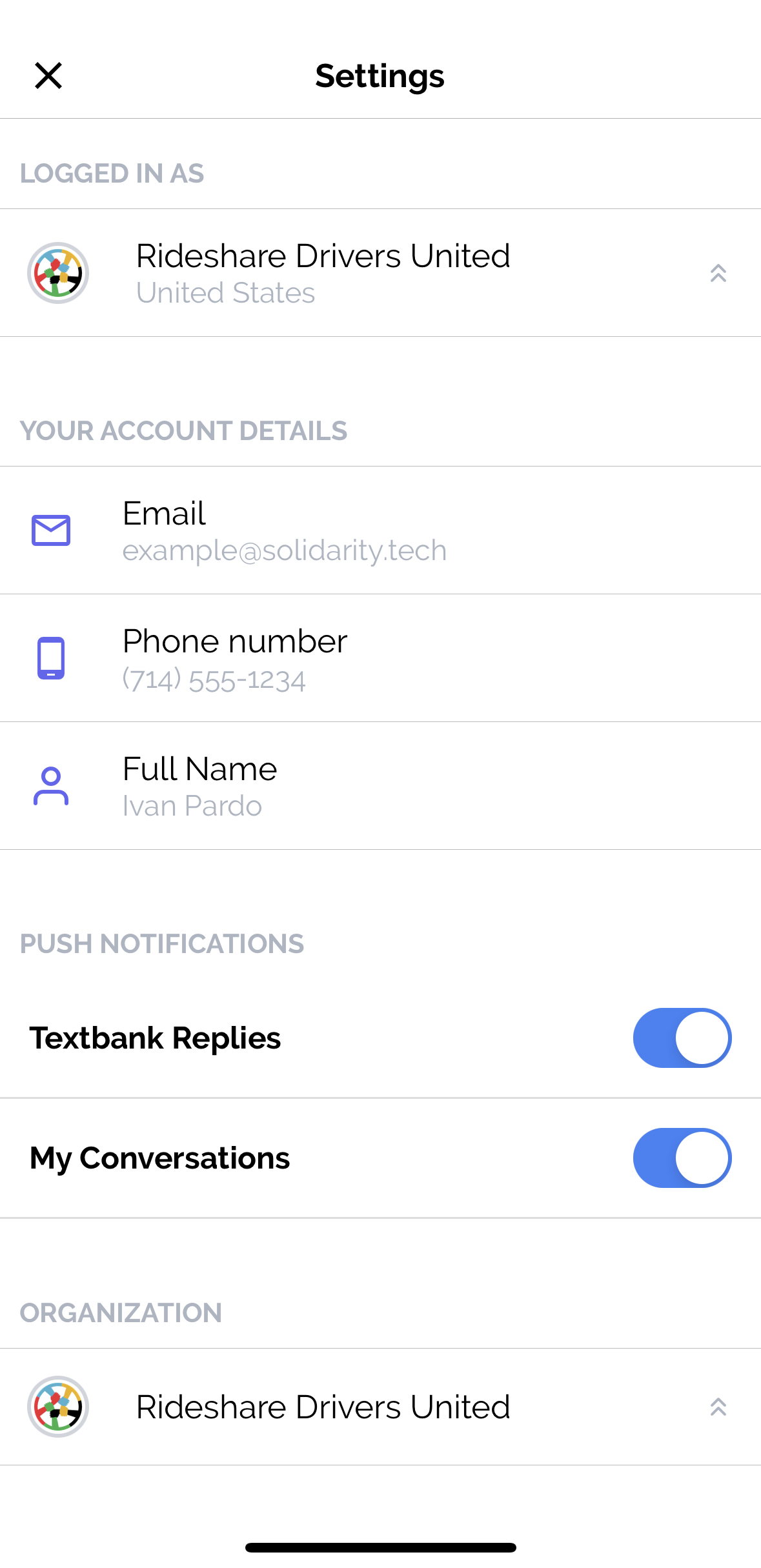
After you allow push notifications, you get a push for a text or a missed call from a Person whose Assigned Agent you are. You also get a push for replies to your textbank texts while the textbank is running. Turn off "Textbank Replies" to stop the textbank pushes. Turn off "My Conversations" to stop pushes for texts from your assigned People.
Logged in as
If you have access to more than one Scope, tap the row under "LOGGED IN AS" to switch. Your Conversations and Workflows then use the new Scope. If you have access to more than one Organization, tap the row under "ORGANIZATION" at the bottom to switch.
Updated 19 days ago