
Subscriptions
The Subscriptions section contains a list of all active recurring donations by People on your list. By default, it will show every Person from all connected Stripe accounts, but you can select a particular Stripe account to view only those recurring donations. The "cancelled" tab will show all donations where either the Person or a Team Member recently cancelled the recurring subscription.
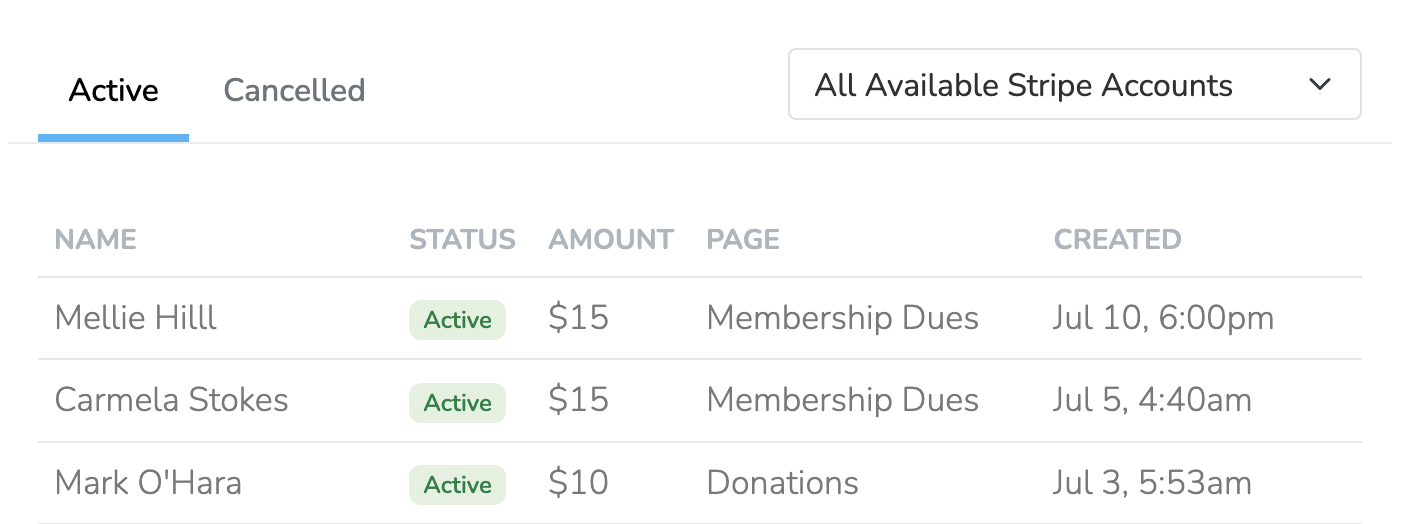
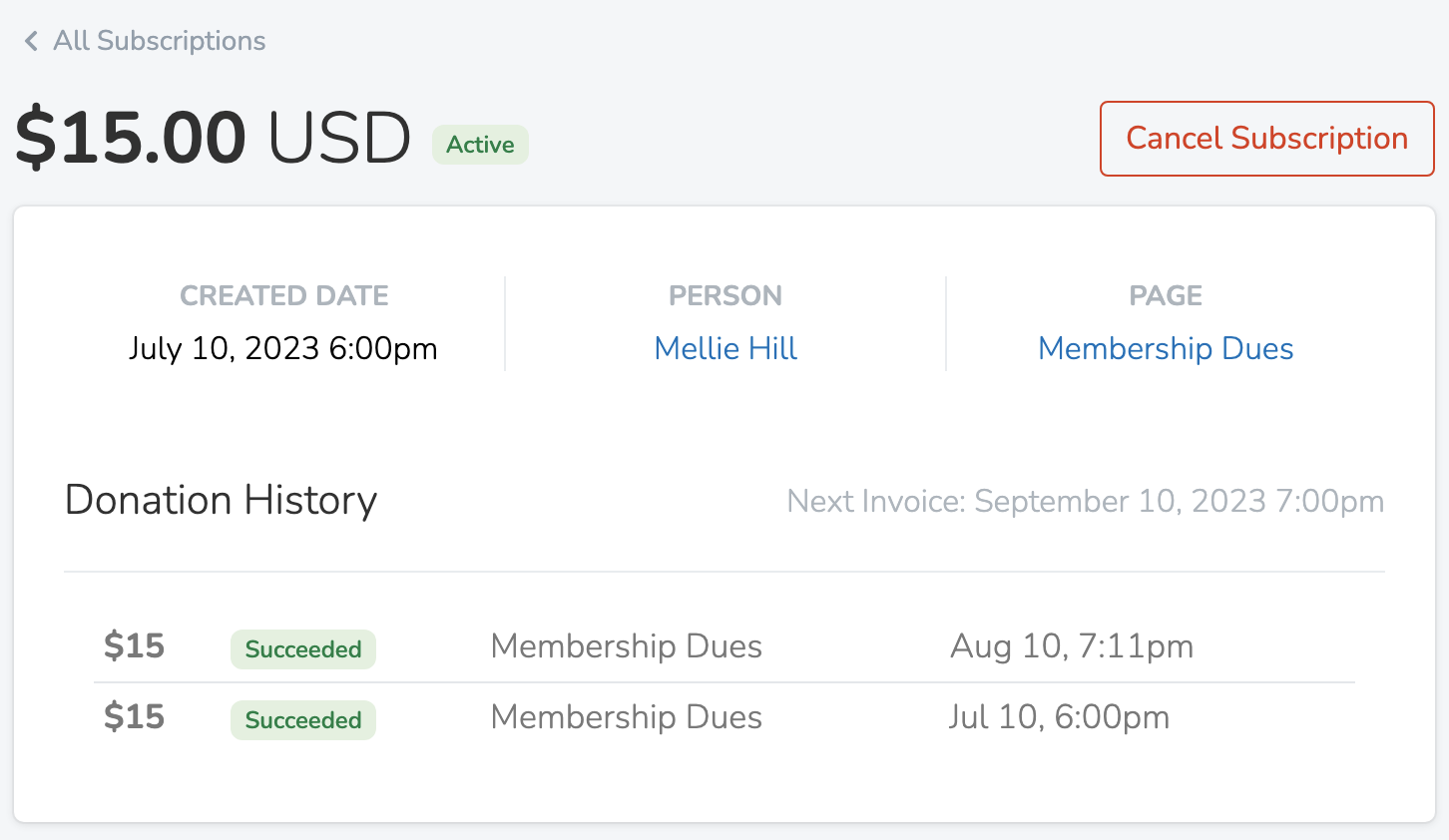
Click on an individual active subscription to view a complete donation history for that subscription. Here, you can also cancel the recurring donation for this Person. By careful, cancelled subscriptions cannot be re-activated. The person will have to return to the Donate Page and re-create their subscription.
Moving a Subscription to Another User
If a subscription was accidentally created under the wrong person (e.g., when collecting dues over the phone), you can transfer it to the correct user. Click the ... (ellipsis) button in the top right corner and select Move to Another User. This will move the subscription, all associated payment history, and related activities to the new person. Use this feature carefully—the action cannot be undone.
Updated 7 months ago