
Agent Assignment
An agent is the Team Member who is the point of contact and responsible for the relationship with the Person.
When you assign a Team Member as the agent for a Person, the Team Member takes responsibility for maintaining the relationship with the Person. In practice, this means:
- The assigned Team Member is granted access to call and text with the Person
- When the Person texts or leaves a voicemail at their shared Chapter Phone Number, the agent gets push notifications on the Solidarity app and dashboard.
Making Agent Assignments in Dashboard
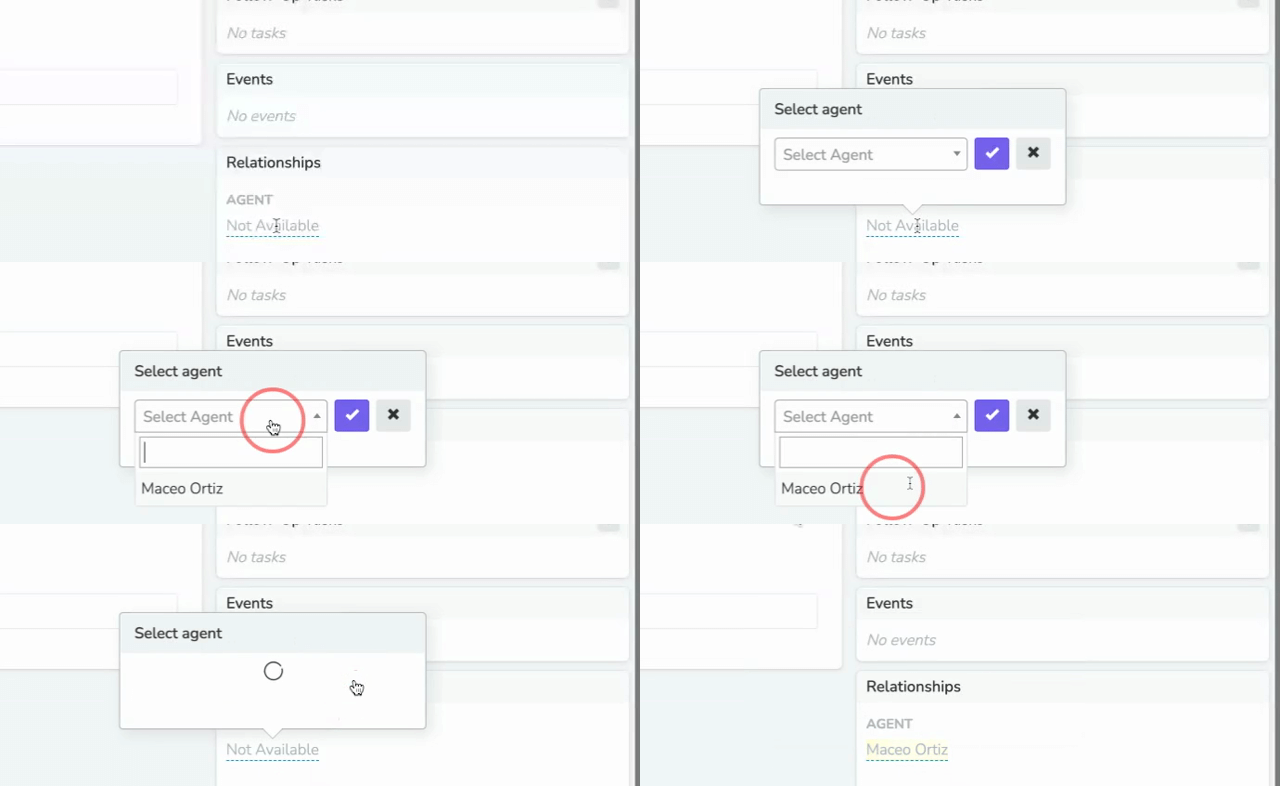
Open the person's profile. In the 'Relationships' box in the right sidebar, click the 'Agent' field and select a team member.
Assignments in the Solidarity app
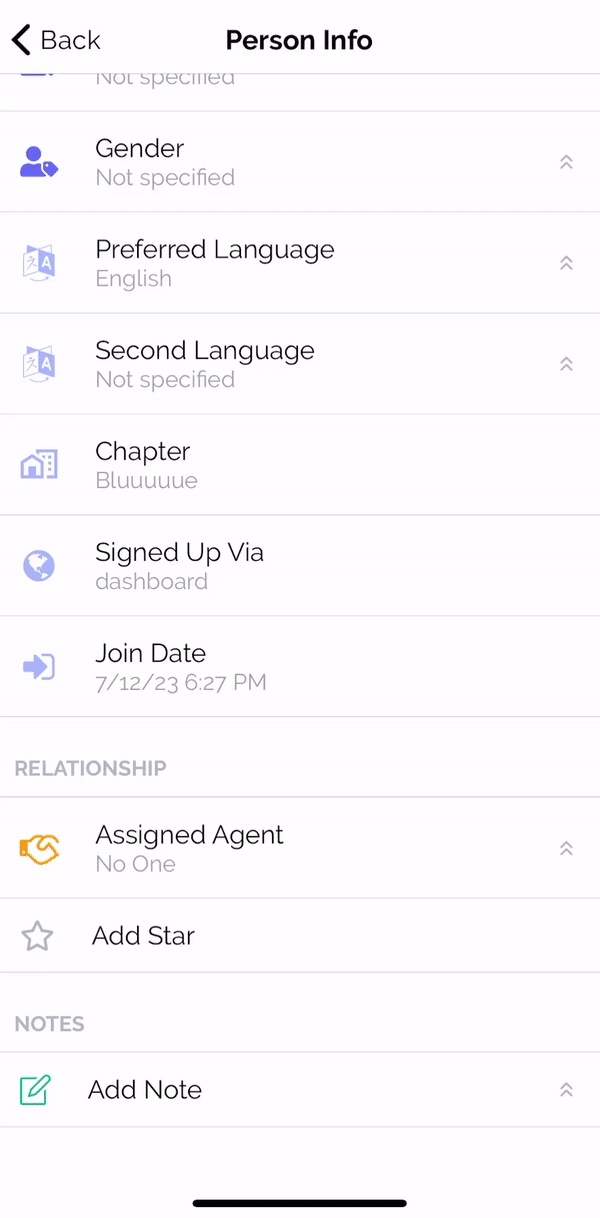
On the person's profile in the Solidarity app, tap 'Assigned Agent', and then tap 'Assign Myself'. To stop being the agent, tap 'Unassign Myself'.
Updated 28 days ago
Did this page help you?