
Add Manually
Click People in the sidebar, then click New person to open the Add Person page. The button needs the 'Add New Person' permission.
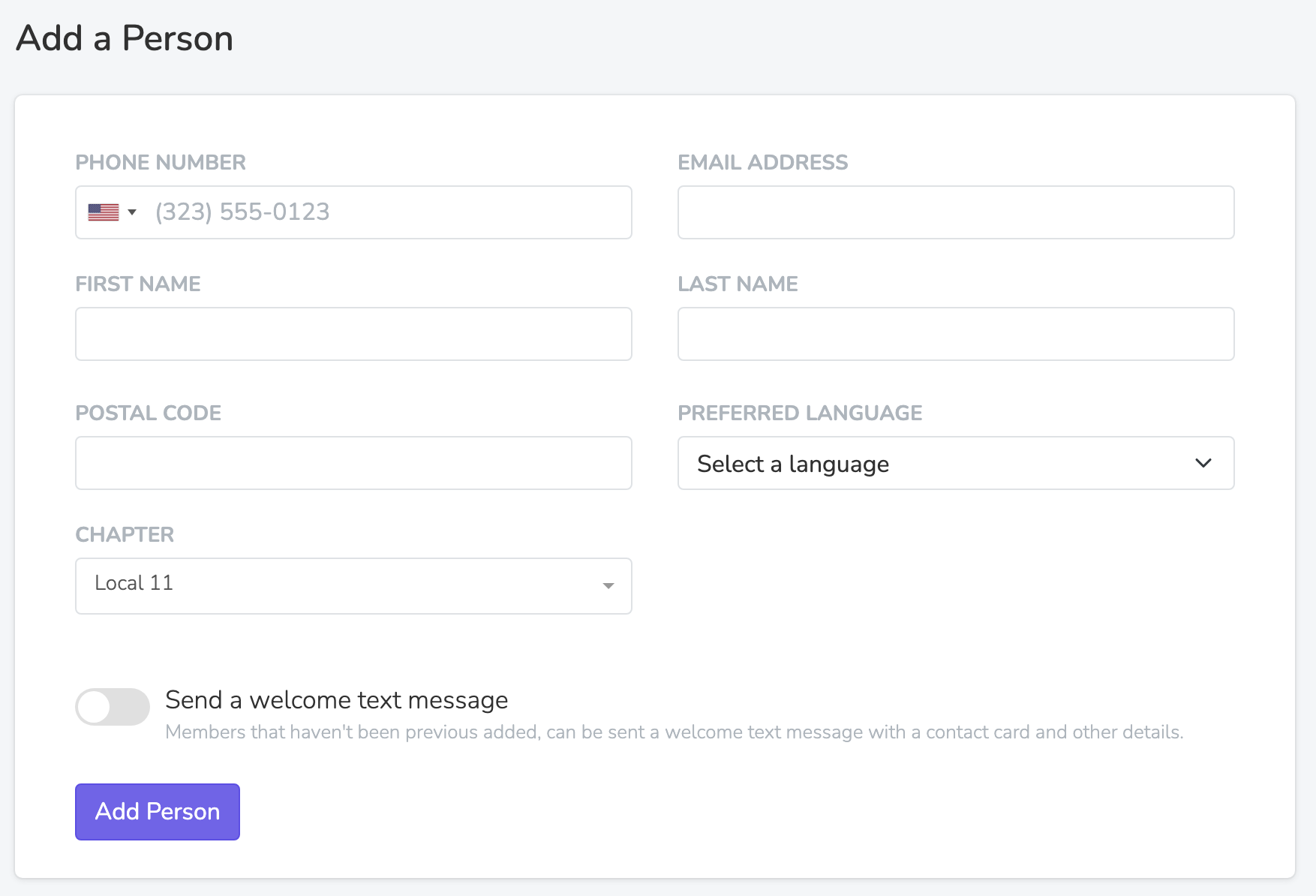
Only 'First name' and 'Preferred Language' are always required. 'Postal Code' is also required when your organization assigns chapters by postal code, and 'Chapter' when the form shows it. You can save a person with no phone number and no email.
Welcome Text
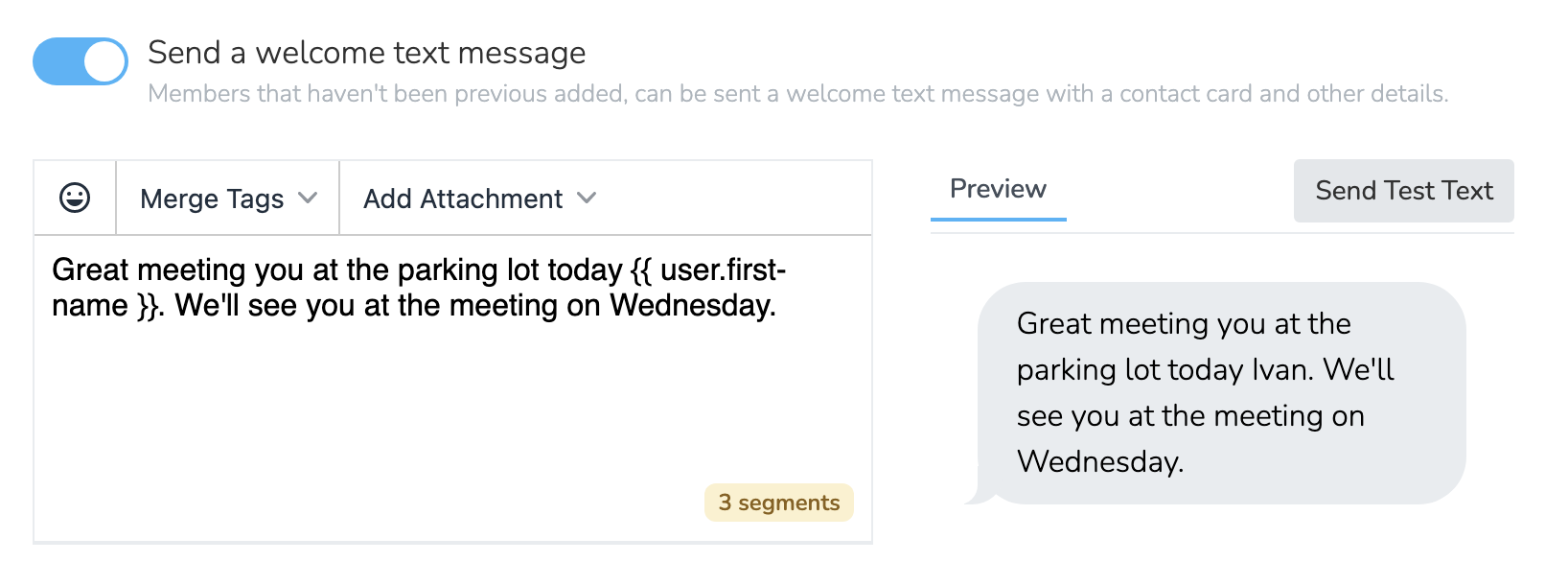
Turn on 'Send a welcome text message' and type the message to text a new Person right after they are added. Only a new Person with SMS Blast permission gets it, and the confirmation message says when no text goes out. This text message comes from the phone number of the person's chapter. Outside the UK, attach your contact card with 'Add Attachment' > 'vCard' in the message editor. Then ask the Person to add the card to their phone.
Updated 15 days ago