
Assessments
Every Person can have their assessment status set by a Team Member, measuring the Person's support for the organization or campaign.
Setting Assessments
Assessments can be set in multiple ways:
- Manually: From a Person's profile in the dashboard or in the Solidarity app
- Via Forms: Add an Assessment field to any form to let supporters self-report or have team members log assessments during conversations
- Via Automations: Add the 'Update assessment' action to an automation, for example one with the 'Form Submission' trigger. Automations are on the Standard, Professional, and Enterprise plans.
- During Phonebanks: Team members can record assessments while calling
Assessment on forms: You can add the Assessment field to any form type. This is useful for intake forms where team members log assessments during conversations, or for internal-facing data entry forms.
Customizing assessment statuses
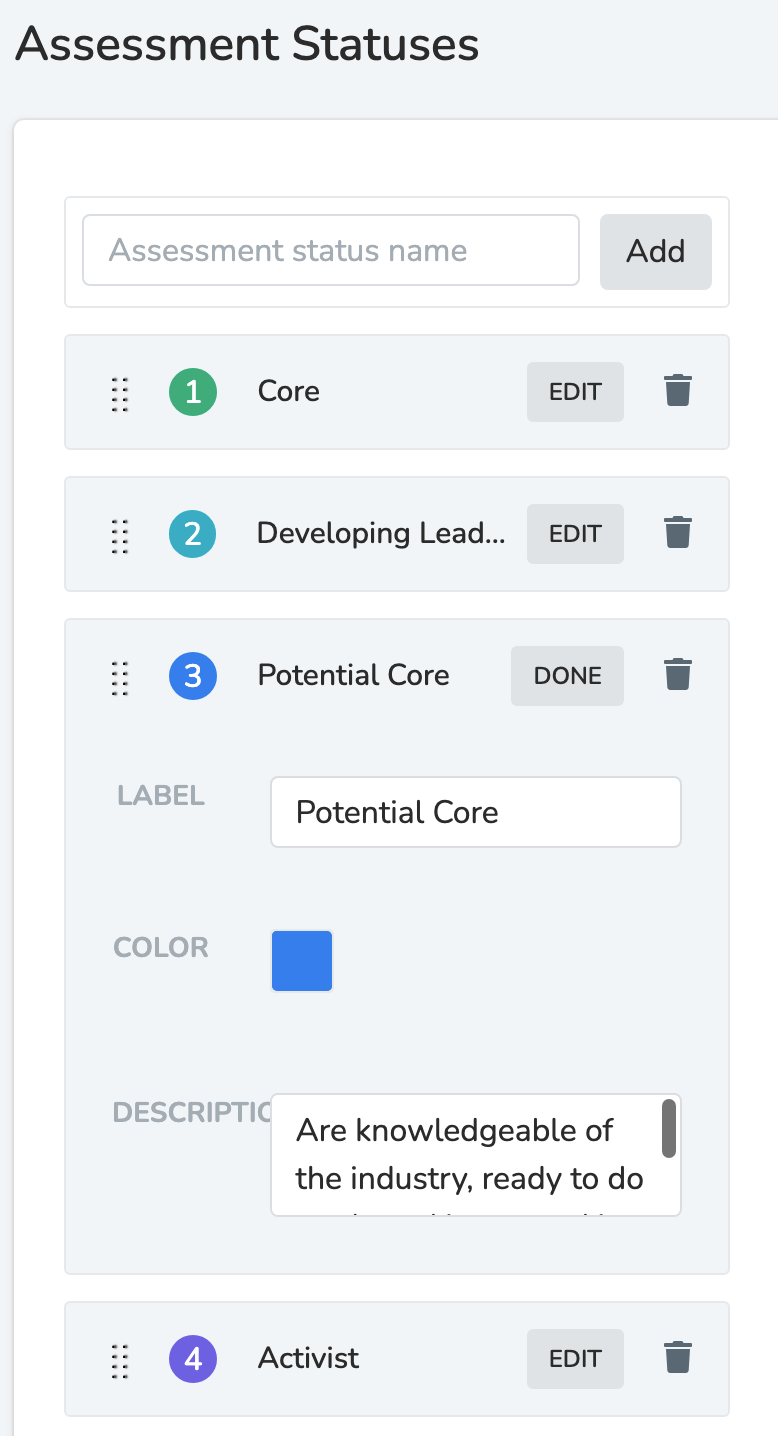
Your account comes with default assessment statuses, and you can fully customize them in Settings, under 'Organization' > 'Assessment Statuses'. This needs the 'Manage Assessment Statuses' permission.
Deleting assessment statuses
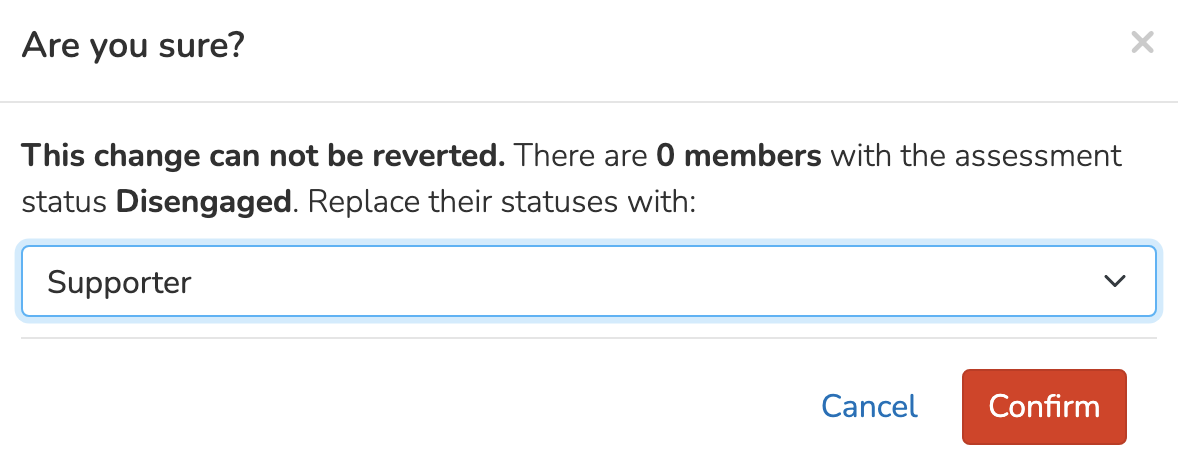
When deleting an assessment status, you will need to determine what happens to the assessment level of the People who are currently assigned the soon-to-be-deleted assessment. You can re-assign them a different assessment or reset their assessment entirely.
Updated 9 days ago
Did this page help you?