
Blog Post
A Blog Post is a page without its own form. On the 'Create a Page' screen, its card is in the 'Content' group. A new Blog Post opens in the page builder with 'Navigation', 'Header', 'Text', and Footer sections. To edit the post, open the page and click 'Edit Page' on the 'Details' tab.
Text-Based Page (Blog Post)
Blog Posts are primarily used for text-heavy content like press releases or blog update posts. A new Blog Post already has a 'Text' section with sample text, so replace that text with your content.
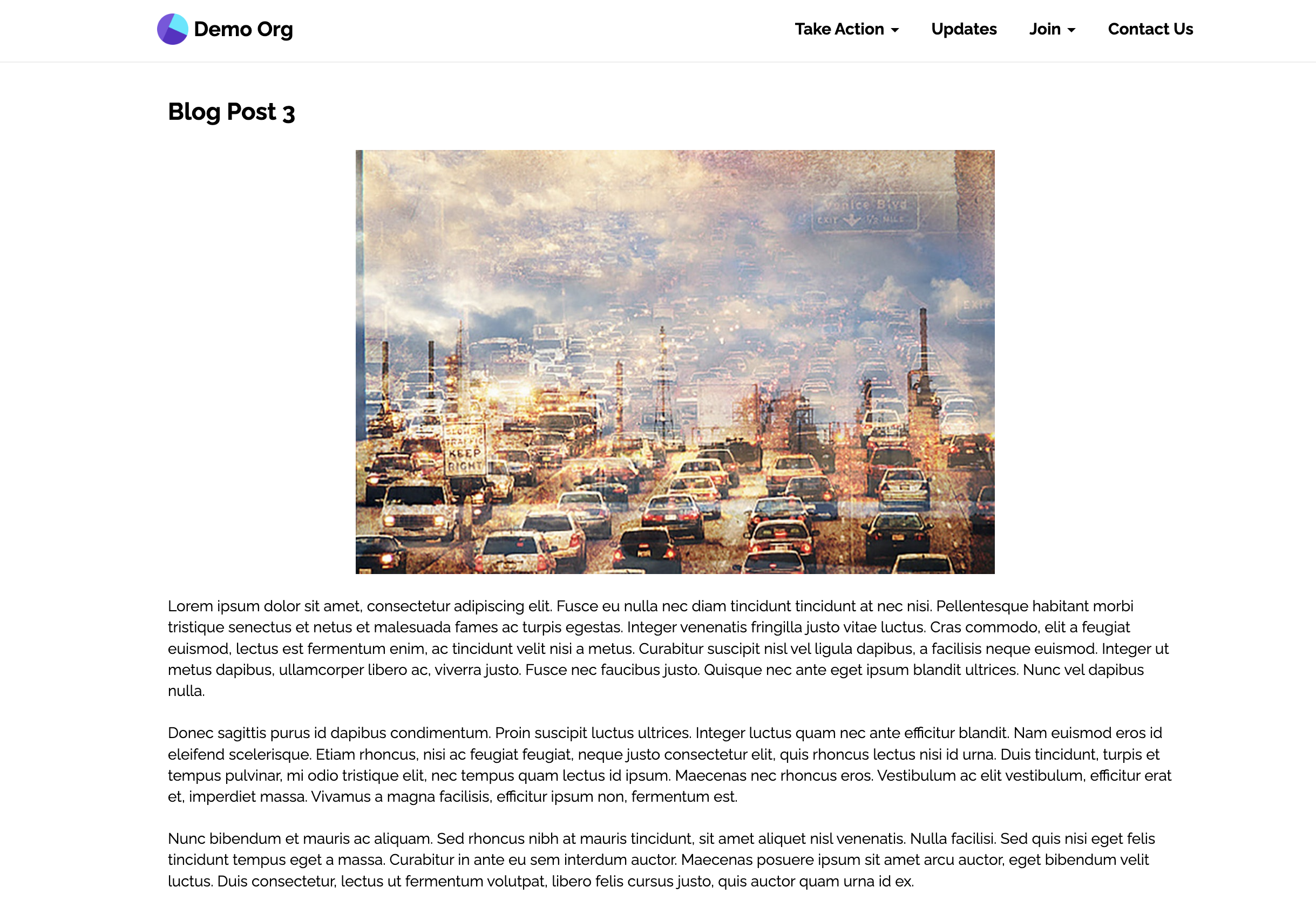
Example Blog Post page
All Websites have a reserved /posts page that lists your Blog Posts in an index, newest first, with a 'Categories' list when posts have categories. A new Blog Post starts with 'Show In Post Index' on. In 'Blog Post Page Settings' on the 'Details' tab, set the 'Content Title', 'Content Subtitle', and 'Post Category' that the index shows.
Updated 28 days ago