
Block List
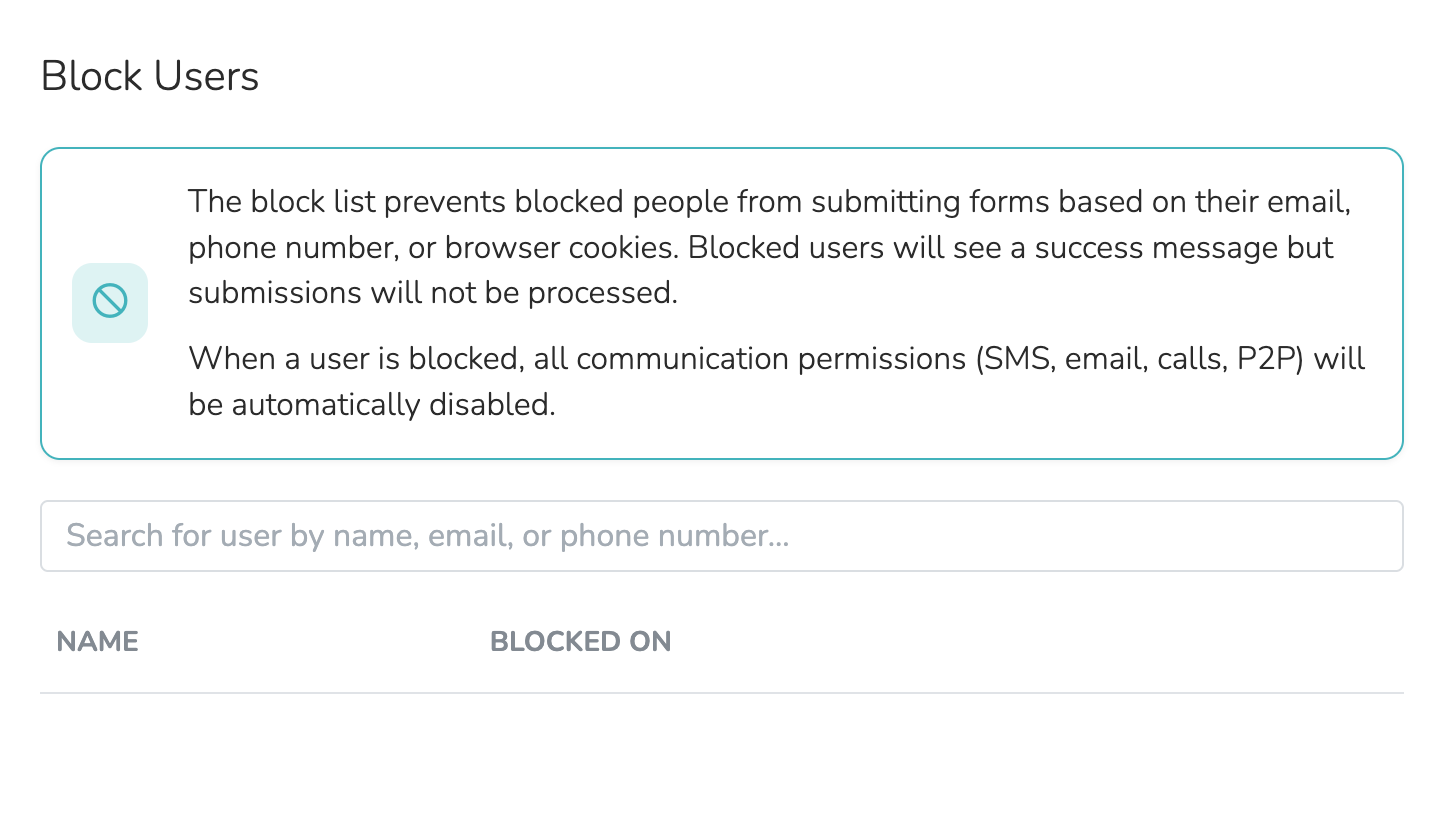
The Block List stops specific People from submitting forms. A blocked person sees the standard "thanks" page, so the form appears to submit successfully. Their submission is not processed, no data is saved, and no follow-up actions occur. Blocking a person also turns off all of their communication permissions. Blocking is organization-wide, across all of your organization's sites.
Adding Users to Block List
- Go to Settings > Chapter Structure.
- With permission to manage the block list, choose the Root Organization.
- In the "Block List" section, search for the person by name, email, or phone number.
- Click the person in the search results.
To remove a person from the block list, click 'Delete' in the person's row. Then confirm the removal.
Block By IP
On the same page, 'Block IPs' blocks form submissions from an IPv4 address. Enter the address and click 'Block IP'. A submission from that exact address shows a success message but is not processed. To unblock an address, click 'Remove' in its row.
Updated 5 days ago