
Activity Overview
The Overview section displays key activity metrics for a specific date range. You can view data for dozens of different activity metrics during the specified range, and even compare it to previous periods.
Like all pages in the dashboard, the main content is relative to your logged in Scope. You add or remove tiles and customize their order, then save them to easily return to a useful Report. Each save creates a new report, and you cannot update or delete a saved report.
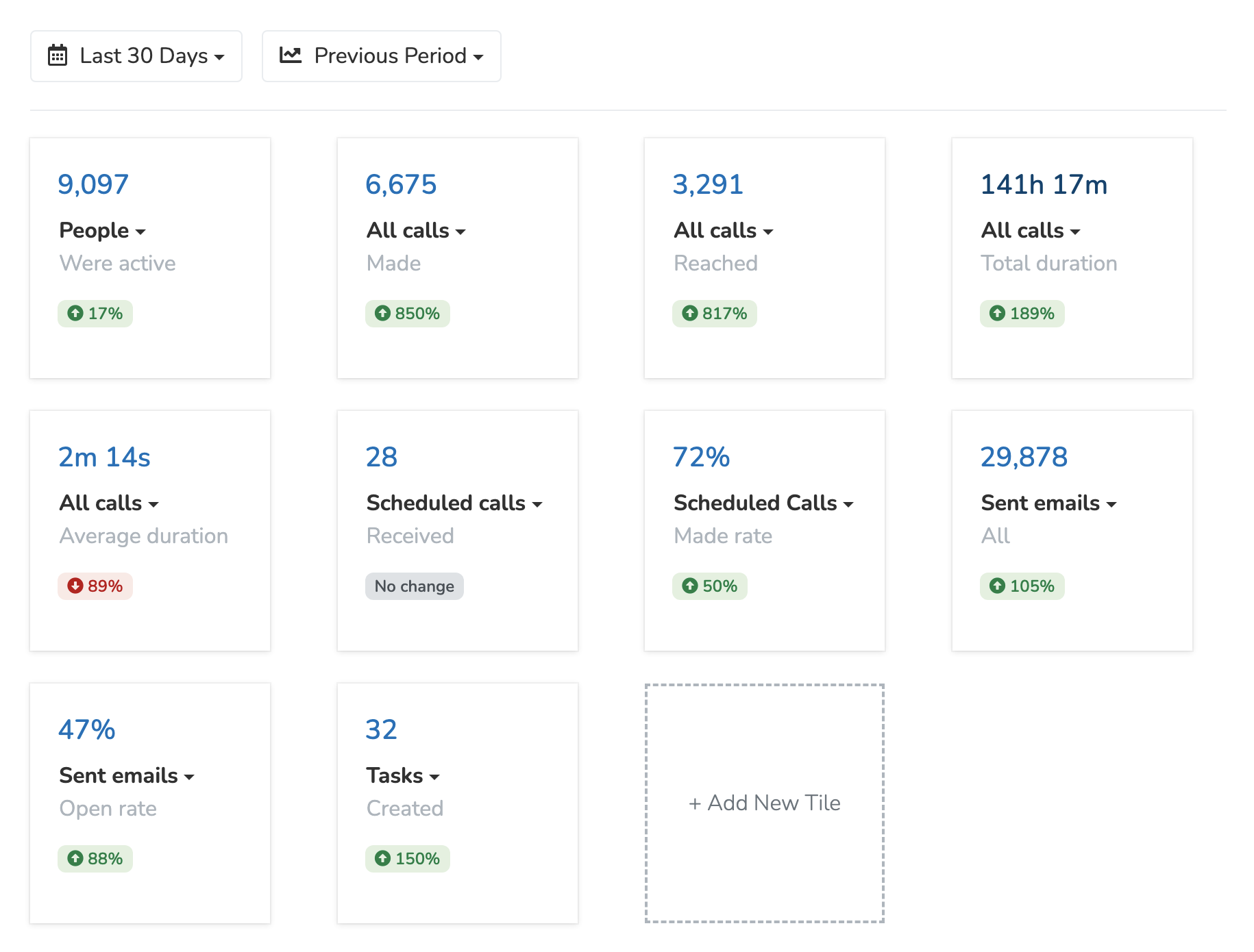
You can choose from a set of 30+ pre-set tiles. Larger summary tiles show leaderboards, recent donations, upcoming events, active phonebanks and textbanks, recent blasts, event and email campaign stats, and attendance by event tag. Some tiles ask you to select a phonebank, textbank, page, event, or session before they show data. To ask for a new tile, click the headset icon in the top navigation bar to open the support chat, and ask there.
Filtering by Saved List
To limit the tiles to one audience, pick a saved list from the 'All People' button at the top right. Some tiles, such as 'Team Members / Added' and 'Page Visits', and the summary tiles are not filtered by the list. To return to org-wide metrics, select All People from the dropdown.
Updated 16 days ago