
Group Montage
Group Montage pages give your organization the ability to grow and showcase your solidarity by allowing supporters to submit photos of themselves and have them transformed into a group montage. A new Group Montage page starts with 'Moderated' on. On a moderated page, the montage updates only when you click 'Regenerate Montage Image'. On other pages, it updates by itself as submissions come in.
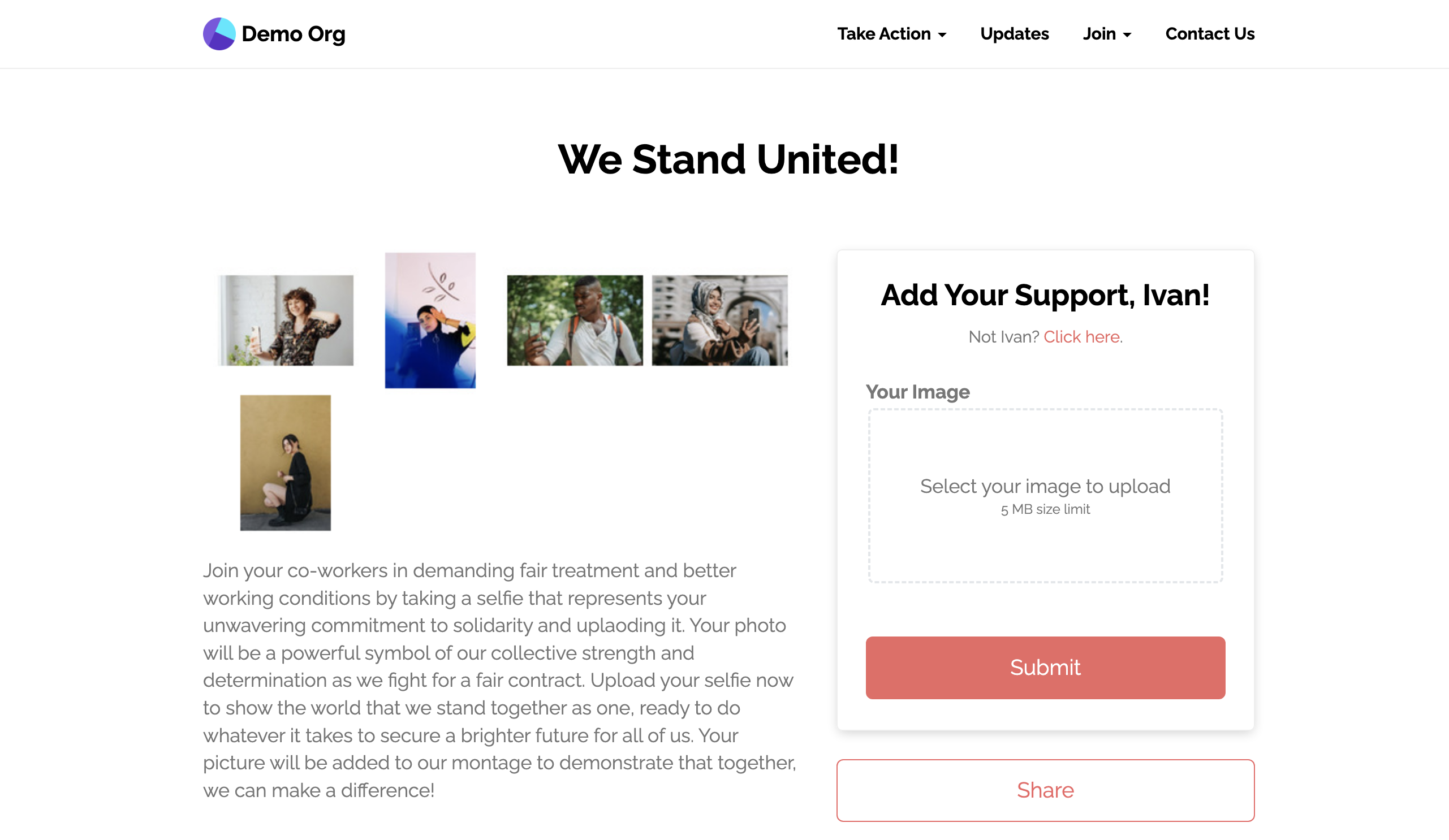
Example Group Montage page
Montage page settings
Moderated or not
Moderated pages require you to approve and re-generate the montage image of approved submissions. To review new photos, open the page's 'Results' tab, then the 'Moderate Image Submissions' sub-tab.
Background color
You can change the background color for the generated montage. It's white by default.
Updated 2 days ago
Did this page help you?