
Call AI
The Professional and Enterprise plans offer Call AI functionality, which currently consists of Call Transcriptions and Call Summaries. Go to Settings > Call AI and turn on 'Call Transcriptions', then turn on 'Call Summaries' for AI summaries and engagement ratings. Only an 'Admin User' at the root organization sees 'Call AI' in 'Settings'.
Privacy and Compliance: When 'Call Transcriptions' is on, Solidarity Tech records each answered call to make the transcript. It deletes the recording after the transcript saves. However, we advise all users to familiarize themselves with and adhere to state-specific call recording laws to ensure compliance. Informing participants that the call may be transcribed is a best practice that can help maintain transparency and trust. Your organization is responsible for following the call recording laws that apply to its calls and should ask a legal professional about them.
AI Features
Answered calls above a minimum length, outgoing and incoming, get a verbatim transcript. When 'Call Summaries' is on, each transcribed call also gets a one paragraph AI summary of the main topics and outcomes. Both show in the called contact's Activity Timeline.
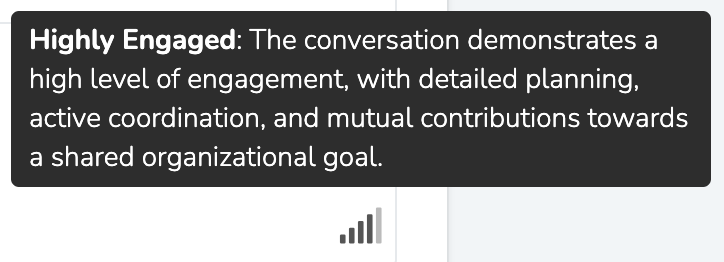
Call AI also shows talk/listen ratios, the share of the call each person spends talking versus listening. With 'Call Summaries' on, a call gets an engagement rating of up to five bars. Hover over the bars to see the level and the reason for the rating.
Updated 10 days ago