
Contact Support
The support chat opens inside the Solidarity Tech dashboard, so you do not need to open your email.
To open the chat, click the headset icon in the top navigation bar. Its tooltip is 'Support'. On a phone, the headset icon may not show. Open the sidebar and tap 'Support' at the bottom.
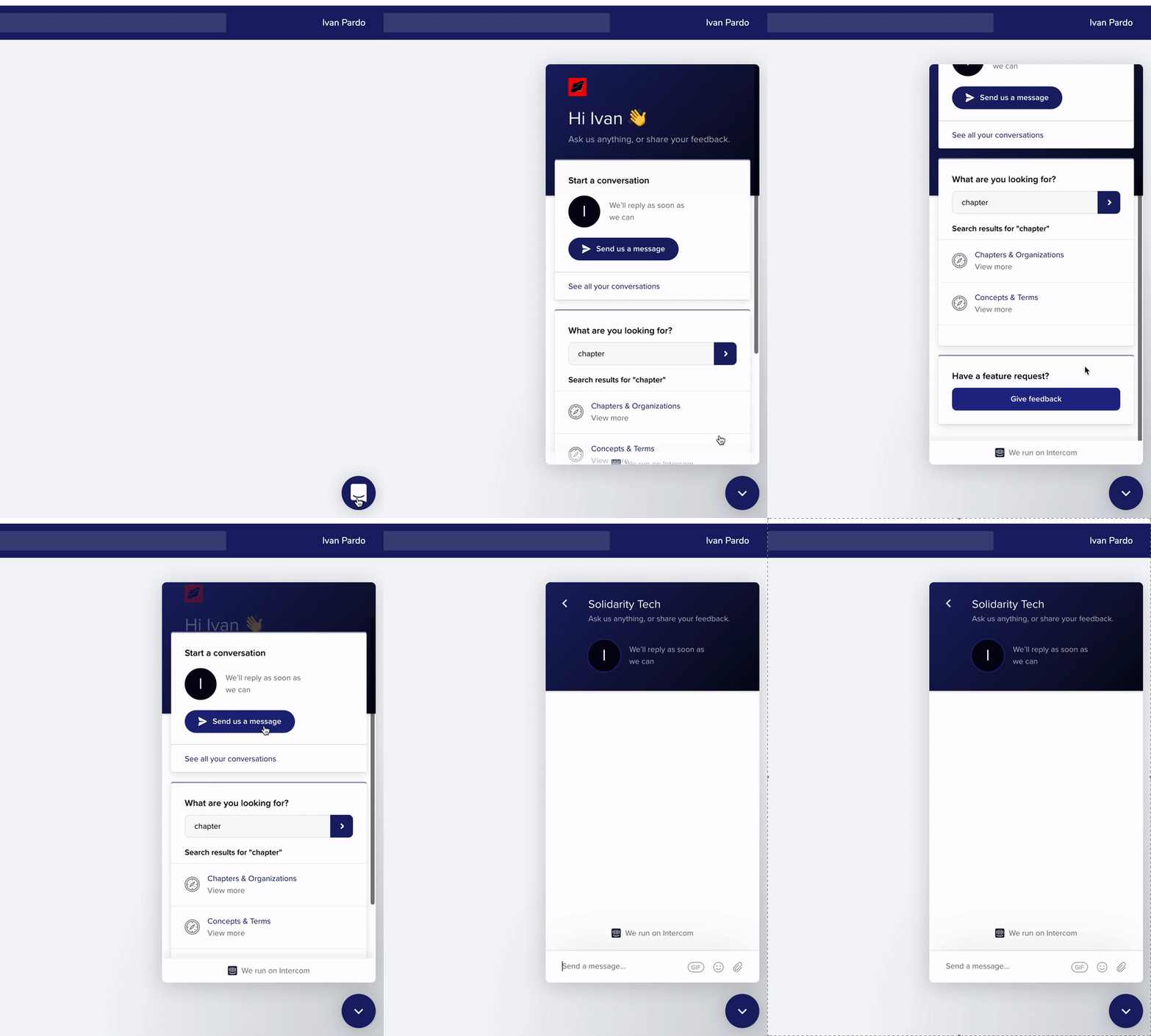
In the chat you can ask a question. The chat home also has 'RSVP for Office Hours' and an item to give feedback. To request a feature, use that item or ask in the chat.
If you do not see our reply in the chat, we email the reply to your Solidarity Tech login email. You can reply in the chat or reply to that email.
If you cannot log in to the dashboard, email [email protected]. You can also click the 'Chat with support' icon on the Solidarity Tech website.
Updated 13 days ago